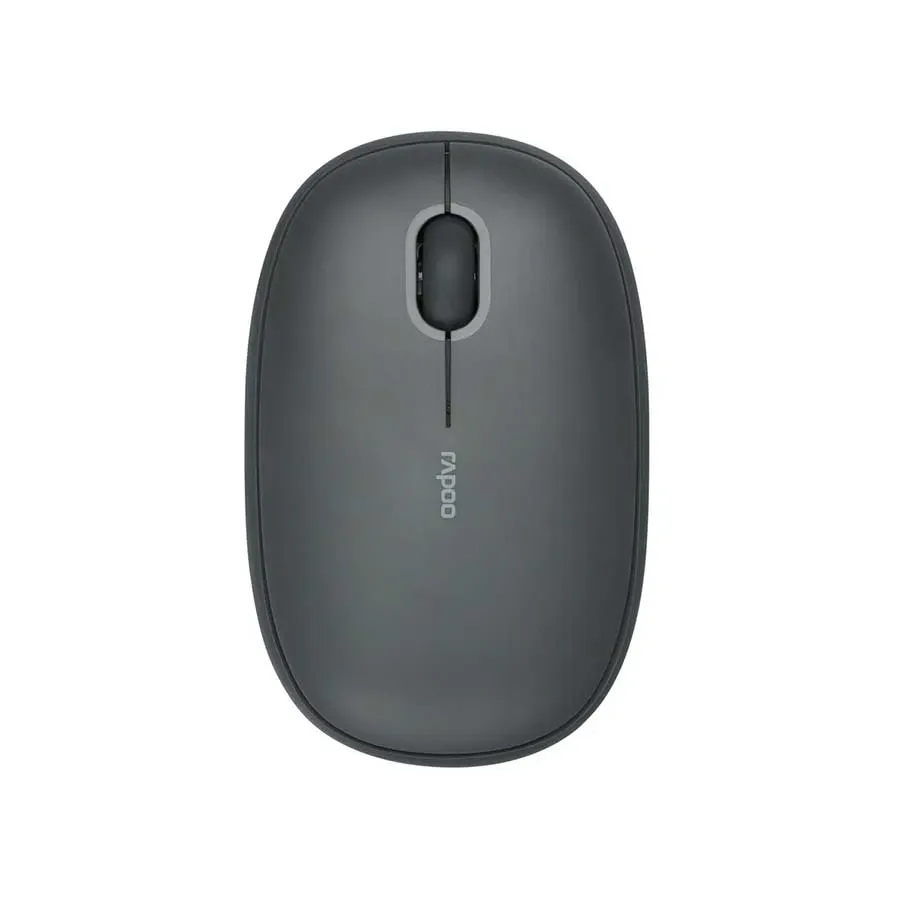
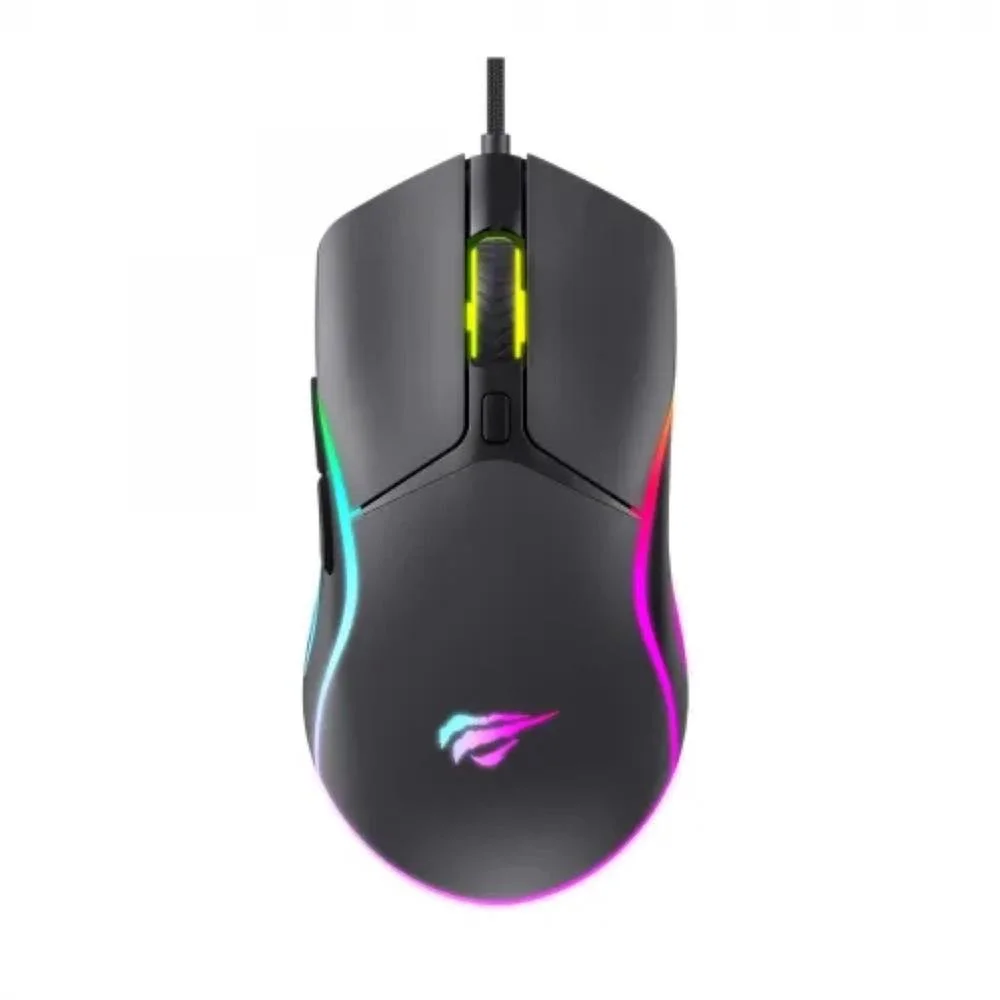
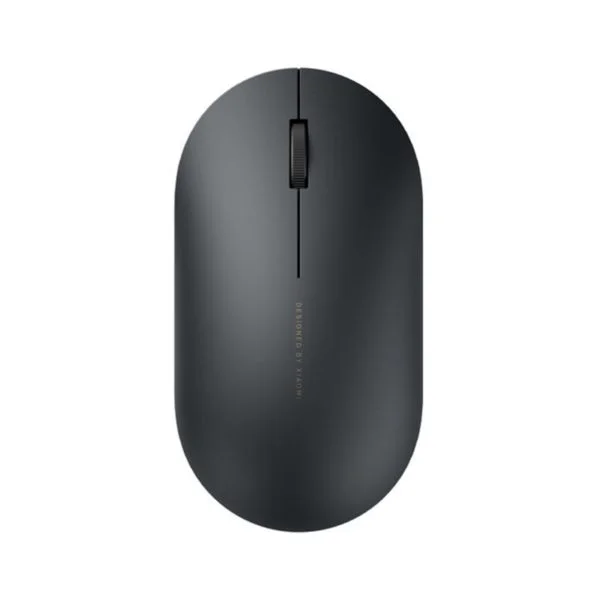
Rapoo M650 Multi-mode Wireless Optical Mouse Price in Bangladesh - Versatile Connectivity for Modern Workflows
Discover unparalleled versatility and comfort with the Rapoo M650 Multi-mode Wireless Optical Mouse, now available at an unbeatable price of ৳1590.00 BDT in Bangladesh. Designed for the dynamic user, the Rapoo M650 seamlessly switches between multiple devices, offering both reliable 2.4GHz wireless and advanced Bluetooth 3.0/5.0 connectivity. Whether you're navigating complex spreadsheets, browsing the web, or engaging in light gaming, this mouse provides smooth, precise control and an ergonomic design for extended comfort. Elevate your productivity and streamline your workflow with this essential peripheral, exclusively at BDSHOP.COM, your trusted source for electronics in Bangladesh.
While categorized as a gaming mouse due to its responsive optical sensor and adjustable DPI, the Rapoo M650 truly shines as a multi-purpose workhorse, perfect for office environments, creative tasks, and casual gaming alike. Its compact and ambidextrous design ensures a comfortable grip for both left and right-handed users, making it a top choice for anyone seeking a high-performance, flexible mouse in the Bangladesh market.
Key Features of the Rapoo M650 Multi-mode Wireless Optical Mouse
The Rapoo M650 is packed with features designed to enhance your computing experience, offering a blend of convenience, precision, and comfort that stands out in its class.
Seamless Multi-Mode Wireless Connectivity
- 2.4GHz Wireless: Enjoy stable, lag-free performance with the included USB receiver. Simply plug and play for instant connectivity to your desktop or laptop.
- Bluetooth 3.0 & 5.0: Connect effortlessly to up to two Bluetooth-enabled devices simultaneously. Switch between your laptop, tablet, or even smartphone with a single click, making it ideal for multi-device users. This feature significantly enhances productivity, allowing you to control multiple systems without needing multiple mice.
Adjustable DPI for Precision Control
Tailor your cursor speed and sensitivity to match your task with adjustable DPI settings of 800, 1200, and 1600 DPI. Whether you need pixel-perfect accuracy for graphic design or faster tracking for quick browsing and light gaming, the Rapoo M650 adapts to your preferences instantly. This flexibility ensures optimal performance across a wide range of applications and screen resolutions.
Ergonomic & Ambidextrous Design
Experience superior comfort even during long working sessions. The Rapoo M650 features a thoughtfully sculpted, ambidextrous design that fits naturally in both left and right hands. Its comfortable grip reduces strain, making it an excellent choice for professionals and students alike who spend hours at their computers. This ergonomic consideration is crucial for preventing fatigue and promoting a healthier computing posture.
Silent Click Technology
Work in peace without disturbing others. The Rapoo M650 incorporates silent click switches, reducing click noise by over 90%. This feature is especially beneficial in quiet office environments, libraries, or late-night work sessions, allowing you to focus without distractions.
Extended Battery Life
Powered by a single AA battery, the Rapoo M650 boasts an impressive battery life of up to 9 months. Its intelligent power-saving technology automatically puts the mouse into sleep mode when not in use, ensuring you rarely have to worry about battery replacements. A dedicated power switch further helps conserve energy, making it a reliable companion for your daily tasks.
Compact and Portable
With its sleek and compact form factor, the Rapoo M650 is the perfect travel companion. Easily slip it into your laptop bag or backpack without adding bulk. The nano USB receiver can be conveniently stored inside the mouse itself, preventing loss and making it truly portable for on-the-go professionals in Bangladesh.
Wide Compatibility
The Rapoo M650 offers broad compatibility with a variety of operating systems, including Windows 7/8/10/11, macOS, Android, iOS, and Chrome OS. This extensive support ensures you can use your mouse across virtually all your devices, regardless of their platform.
Rapoo M650 Multi-mode Wireless Optical Mouse Specifications
Here’s a detailed look at the technical specifications of the Rapoo M650, ensuring you have all the information you need before making your purchase in Bangladesh.
| Feature |
Specification |
| Brand |
Rapoo |
| Model |
M650 |
| Connectivity |
Multi-mode: 2.4GHz Wireless (via USB Receiver), Bluetooth 3.0, Bluetooth 5.0 |
| Sensor Type |
Optical |
| DPI Settings |
800 / 1200 / 1600 DPI (Adjustable) |
| Buttons |
4 (Left Click, Right Click, Scroll Wheel Click, DPI Switch Button) |
| Silent Click |
Yes (Reduced click noise by over 90%) |
| Polling Rate |
125 Hz |
| Wireless Range |
Up to 10 meters (33 feet) |
| Power Source |
1 x AA Alkaline Battery |
| Battery Life |
Up to 9 months (estimated) |
| Operating System Support |
Windows 7/8/10/11, macOS, Android, iOS, Chrome OS |
| Dimensions (L x W x H) |
104 mm x 67 mm x 38 mm (Approximately) |
| Weight |
72g (without battery, Approximately) |
| Color Options |
Classic Black (Availability may vary) |
| Special Features |
Multi-device switching, Ergonomic ambidextrous design, On/Off switch, Nano USB receiver storage |
| Price in Bangladesh |
৳1590.00 BDT |
Why Choose the Rapoo M650 for Your Daily Computing?
The Rapoo M650 is more than just a mouse; it's a productivity tool designed for the modern user. Here’s why it stands out:
- Unmatched Versatility: Ideal for professionals, students, and casual users who work across multiple devices. Its multi-mode connectivity eliminates the need for multiple peripherals.
- Enhanced Productivity: Seamlessly switch between your desktop, laptop, or tablet to maintain workflow efficiency without interruption.
- Superior Comfort: The ergonomic, ambidextrous design ensures comfort during prolonged use, reducing the risk of wrist strain.
- Quiet Operation: Silent click buttons create a peaceful working environment, perfect for shared spaces or late-night tasks.
- Reliable Performance: Rapoo is known for quality, and the M650 delivers consistent, accurate tracking with its optical sensor.
- Excellent Value: At ৳1590.00 BDT, the Rapoo M650 offers premium features and reliability at a highly competitive price point in Bangladesh. It's an investment in efficiency and comfort.
How to Set Up and Use Your Rapoo M650 Mouse
Getting started with your Rapoo M650 is simple and straightforward:
2.4GHz Wireless Mode:
- Open the battery compartment on the bottom of the mouse and insert one AA battery.
- Locate the nano USB receiver stored inside the battery compartment.
- Plug the USB receiver into an available USB port on your computer.
- Turn on the mouse using the power switch on the bottom. The mouse will automatically connect.
Bluetooth Mode:
- Ensure the mouse is turned on.
- Press the Bluetooth pairing button (usually located on the bottom of the mouse, or a dedicated button on top/side) for a few seconds until the LED indicator starts blinking slowly. This indicates it's in pairing mode.
- On your device (laptop, tablet, smartphone), go to Bluetooth settings and search for new devices.
- Select "Rapoo M650" from the list of available devices to pair.
- Once paired, the LED indicator will stop blinking and remain solid for a moment.
- To switch between paired Bluetooth devices or to the 2.4GHz mode, simply press the mode switch button (often the same as the pairing button, or a dedicated switch on the bottom).
Adjusting DPI:
The DPI switch button (often integrated with the scroll wheel or a dedicated button near it) allows you to cycle through 800, 1200, and 1600 DPI settings to instantly adjust cursor sensitivity.
Rapoo M650 Price in Bangladesh & Availability
The Rapoo M650 Multi-mode Wireless Optical Mouse is available now at the best price of ৳1590.00 BDT exclusively at BDSHOP.COM. We are committed to providing genuine products and excellent customer service across Bangladesh.
Whether you're searching for "Rapoo M650 in Bangladesh", "multi-mode mouse price in Bangladesh", or a reliable "wireless gaming mouse price in Bangladesh" for casual use, the M650 is an outstanding choice. Enjoy convenient nationwide delivery right to your doorstep, no matter where you are in Bangladesh. Our extensive network ensures that you can get your hands on this versatile mouse quickly and efficiently. For those looking for "Rapoo M650 near me in Bangladesh", BDSHOP.COM offers a seamless online shopping experience with reliable delivery options.
Don't miss out on the opportunity to enhance your digital workspace with this advanced, comfortable, and highly adaptable mouse. Visit BDSHOP.COM today to secure your Rapoo M650 and experience the future of wireless computing.
Conclusion
The Rapoo M650 Multi-mode Wireless Optical Mouse redefines convenience and performance for users in Bangladesh. Its dual-mode connectivity, adjustable DPI, silent clicks, and ergonomic design make it an indispensable tool for anyone seeking efficiency and comfort across multiple devices. Priced at just ৳1590.00 BDT, it offers exceptional value for its features. Upgrade your setup today and experience the seamless versatility of the Rapoo M650, available for purchase with fast delivery across Bangladesh from BDSHOP.COM.